
 English
 русский
 Español
 Deutsch
 عربى
عربى
 0
0

How Many Sheets Can a Household Shredder Handle at Once Without Jamming?
Content
- 1 Direct Answer: Most Household Shredders Handle 6 to 12 Sheets — But That Number Depends on Paper Weight and How You Feed It
- 2 What the Sheet Capacity Rating Actually Means
- 3 Sheet Capacity by Shredder Category
- 4 How Cut Type Affects Sheet Capacity and Jam Risk
- 5 What Causes Household Shredders to Jam
- 6 How to Feed Your Shredder to Minimize Jams
- 7 Sheet Capacity vs. Run Time: The Combination That Really Matters
- 8 Match Capacity to Your Actual Shredding Habits
A practical guide for home users comparing shredder sheet capacity, understanding what affects jamming, and choosing the right model for your shredding volume.
Direct Answer: Most Household Shredders Handle 6 to 12 Sheets — But That Number Depends on Paper Weight and How You Feed It
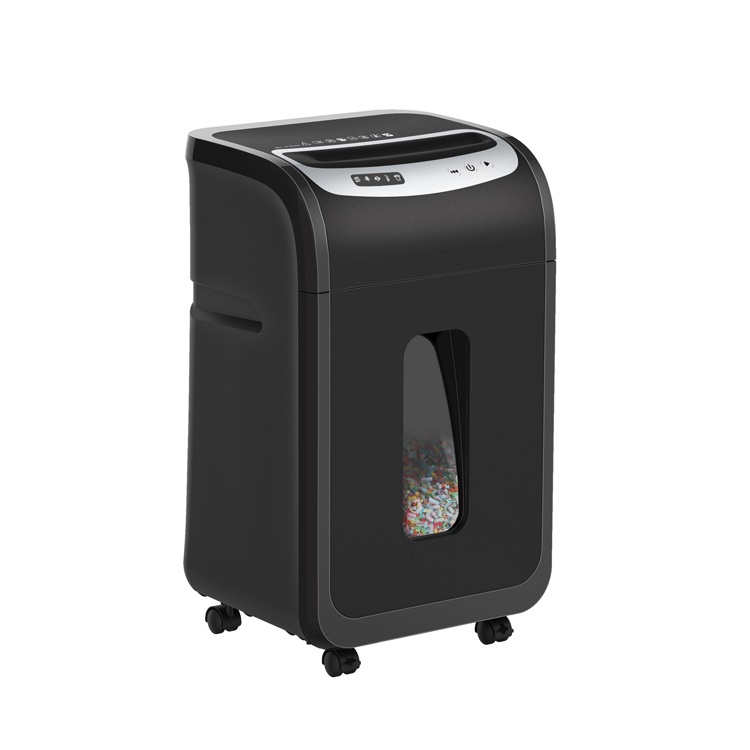
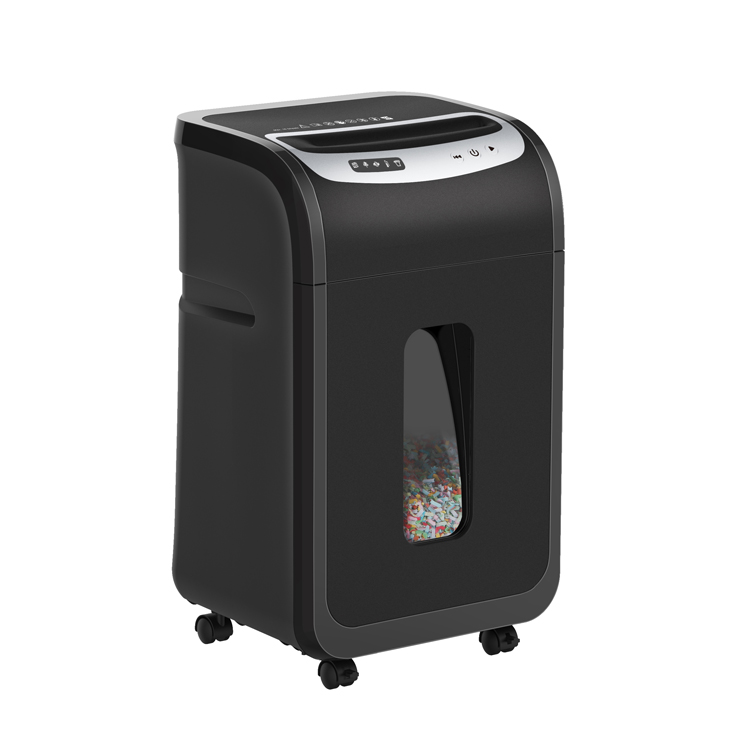
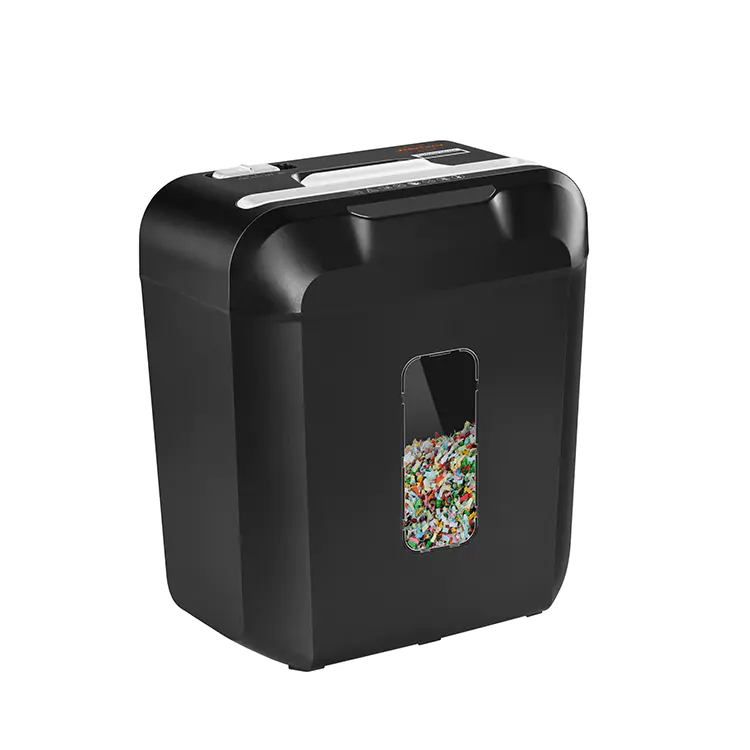
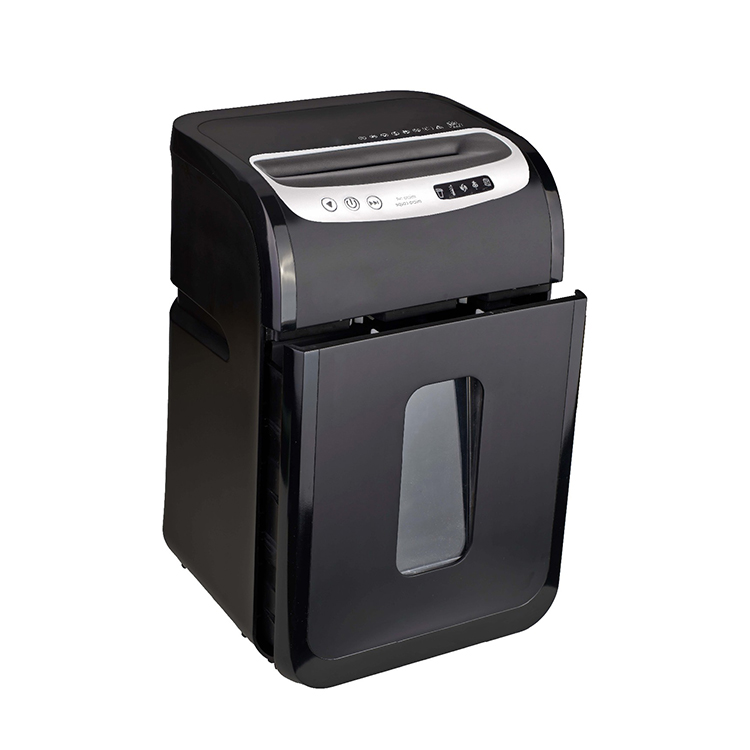
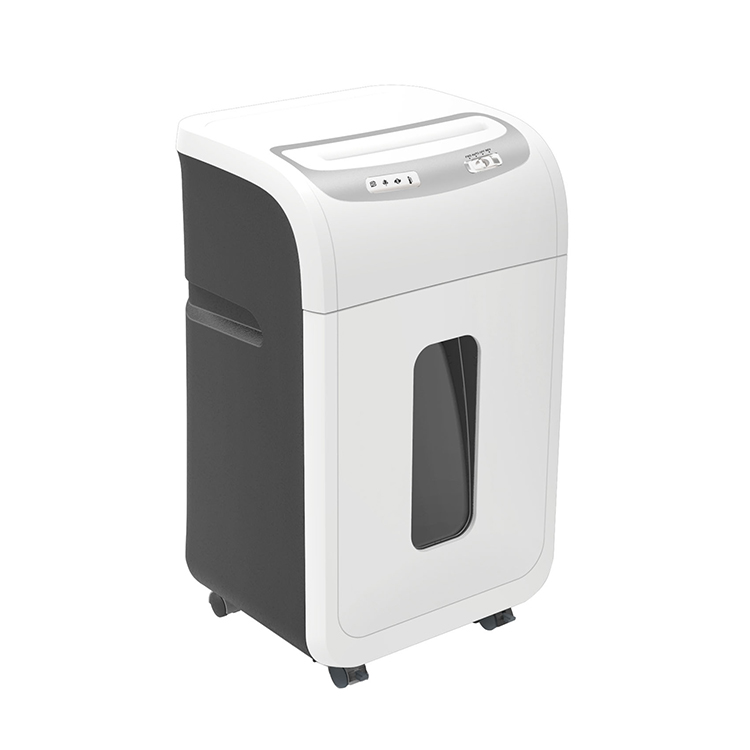
The average household shredder is rated for 6 to 12 sheets of 20 lb (75 g/m²) copy paper per pass. Entry-level models typically manage 6 to 8 sheets; mid-range home shredders handle 10 to 12; and heavy-duty home-office models can process up to 18 to 24 sheets at once. However, these ratings assume standard-weight paper fed straight and evenly — thicker paper, staples, or uneven feeding can cause jamming at half the rated capacity. Understanding what the sheet capacity number actually means is the key to avoiding frustrating mid-shred jams.
What the Sheet Capacity Rating Actually Means
Manufacturers test sheet capacity under controlled lab conditions using standard copy paper. Real-world performance differs for several reasons:
- Paper weight matters more than sheet count. Ratings are based on 20 lb / 75 g/m² paper — standard printer paper. Heavier stock such as cardstock (90–110 g/m²) or glossy brochure paper can reduce safe capacity by 30 to 50%.
- Motor temperature affects real-world capacity. A shredder rated for 10 sheets per pass at the start of a session may only safely handle 7 to 8 sheets after running continuously for 5 minutes as the motor heats up.
- Cut type changes effective capacity. Cross-cut and micro-cut shredders create more friction per sheet than strip-cut models. A shredder rated at 10 sheets for strip-cut may only safely handle 7 to 8 sheets in cross-cut mode — even if it is the same machine with a selectable mode.
- Feeding angle and alignment matter. Pages fed at an angle, or stacks that are not squared up, cause uneven load distribution across the cutting heads and dramatically increase jam risk.
Sheet Capacity by Shredder Category
| Shredder Category | Rated Sheet Capacity | Safe Real-World Capacity | Typical Motor Power | Best For |
|---|---|---|---|---|
| Personal / compact | 4–6 sheets | 3–5 sheets | 60–80W | Occasional light shredding, small desks |
| Standard household | 8–12 sheets | 6–9 sheets | 100–150W | Weekly household document shredding |
| Home office | 12–18 sheets | 10–14 sheets | 180–250W | Daily use, mixed media, longer sessions |
| Heavy-duty home | 18–24 sheets | 15–20 sheets | 250–400W | High-volume home, small business overflow |
How Cut Type Affects Sheet Capacity and Jam Risk
The cutting mechanism is the single biggest internal factor affecting how many sheets a shredder can handle before jamming. Here is how the three main cut types compare:
| Cut Type | How It Cuts | Pieces Per Sheet | Jam Risk | Effective Sheet Capacity |
|---|---|---|---|---|
| Strip-cut | Long vertical strips only | ~40 strips | Low | Highest — full rated capacity |
| Cross-cut | Vertical and horizontal cuts | ~400 pieces | Medium | 80–90% of rated capacity |
| Micro-cut | Fine cross-cut into tiny particles | ~2,000+ pieces | Higher | 60–75% of rated capacity |
If security is your priority and you need a micro-cut shredder, select a model rated 2 to 4 sheets higher than your typical shredding stack to compensate for the reduced effective capacity of the finer cutting mechanism.
What Causes Household Shredders to Jam
Understanding the root causes of jams helps you avoid them without needing to replace your shredder:
- Exceeding sheet capacity. The most common cause. Even one or two sheets over the rated limit can stall the motor, especially on models without automatic jam-clearing reverse function.
- Staples and paper clips. Most modern household shredders are rated to handle 1 to 2 staples per pass, but multiple staples, large binder clips, or thick rubber bands will cause immediate jams or blade damage.
- Damp or humid paper. Moisture causes sheets to stick together, effectively doubling or tripling the paper thickness that enters the cutting heads simultaneously.
- Overfilled waste bin. A bin that is more than two-thirds full restricts the flow of shredded material away from the cutting heads, causing back-pressure that stalls the motor.
- Dry or unlubricated blades. Cutting blades that have not been oiled in several months generate more friction, reducing effective capacity and increasing jam frequency by up to 40% compared to a well-maintained shredder.
- Thermal overload. Most household shredders have a run time of 2 to 10 minutes before the thermal cutoff engages. Feeding continuously at or near rated capacity accelerates heat buildup and can trigger a protective shutdown mid-sheet.
How to Feed Your Shredder to Minimize Jams
- Always feed 20 to 30% below rated capacity. If your shredder is rated for 10 sheets, feed 7 to 8 at a time. This single habit eliminates the majority of jams and extends motor life significantly.
- Square up your stack before feeding. Tap the pages on a flat surface so all edges are aligned, then insert straight into the feed slot — not at an angle.
- Remove all staples, paper clips, and binding before shredding unless your specific model is confirmed rated for them. Check the manual — do not assume.
- Let the shredder fully clear the previous pass before inserting the next stack. Listen for the motor to return to idle speed before feeding again.
- Empty the waste bin when it reaches half to two-thirds full, not when it is completely packed. Overfull bins are a leading cause of avoidable jams.
- Oil the blades every 30 minutes of cumulative run time or after every full waste bin — whichever comes first. Use shredder oil only, not WD-40 or general-purpose lubricants, which can damage rubber components.
Sheet Capacity vs. Run Time: The Combination That Really Matters
Sheet capacity and continuous run time work together — a high sheet capacity is only useful if the shredder can sustain it long enough to process your typical shredding session. Here is how common household models compare on both dimensions:
| Model Type | Sheet Capacity | Continuous Run Time | Cool-Down Period | Approx. Pages Per Session |
|---|---|---|---|---|
| Budget compact | 6 sheets | 2–3 minutes | 20–30 minutes | ~60–90 pages |
| Standard household | 10 sheets | 5–8 minutes | 20–30 minutes | ~200–350 pages |
| Home office | 14 sheets | 10–20 minutes | 10–20 minutes | ~500–1,000 pages |
| Heavy-duty home | 20 sheets | 30+ minutes | Minimal or none | 1,500+ pages |
Match Capacity to Your Actual Shredding Habits
Do not buy the minimum sheet capacity that covers your current needs — buy one tier above it. A shredder consistently pushed to its rated limit runs hotter, jams more often, and wears out faster than one operating comfortably within its range. For a household shredding a typical week's worth of mail and statements — roughly 50 to 150 pages — a 10 to 12 sheet cross-cut model with at least 8 minutes of continuous run time is the practical sweet spot between cost, performance, and longevity. Feed at 70 to 80% of rated capacity, oil the blades regularly, and empty the bin before it is full, and most household shredders will run reliably for 5 to 10 years without jamming becoming a regular frustration.


-
 Kaifat Group, No.599, Qiming Road, Yinzhou Incubation, Ningbo, China
-
 +86-574-55665196
-
 [email protected]
