
 English
 русский
 Español
 Deutsch
 عربى
عربى
 0
0

Why Is My Thermal Laminator Bubbling? 5 Common Mistakes and How to Fix Them
Content
- 1 1. The Temperature is Too High: The Science of Heat Management
- 2 2. Feeding the Pouch Incorrectly: The Importance of Alignment
- 3 3. Mismatch Between Pouch Thickness and Machine Capability
- 4 4. Adhesive Buildup and Roller Maintenance
- 5 5. Ink and Paper Moisture: The Hidden Enemy
- 6 Frequently Asked Questions (FAQ)
- 7 References & Further Reading
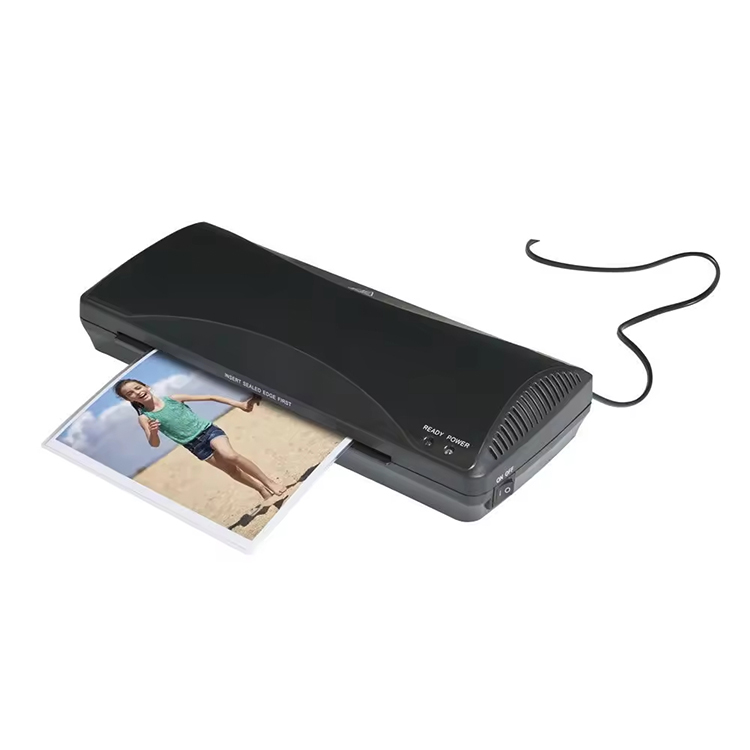
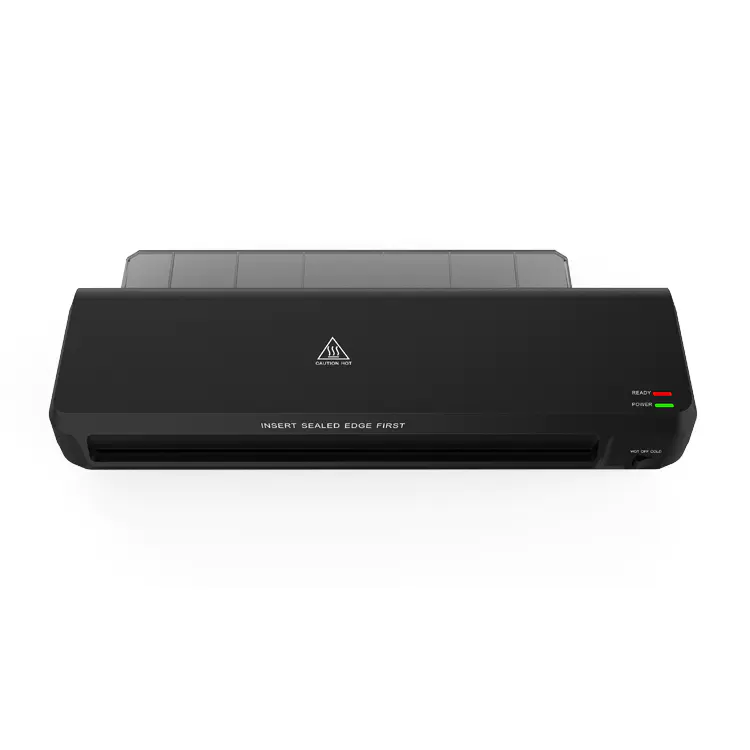
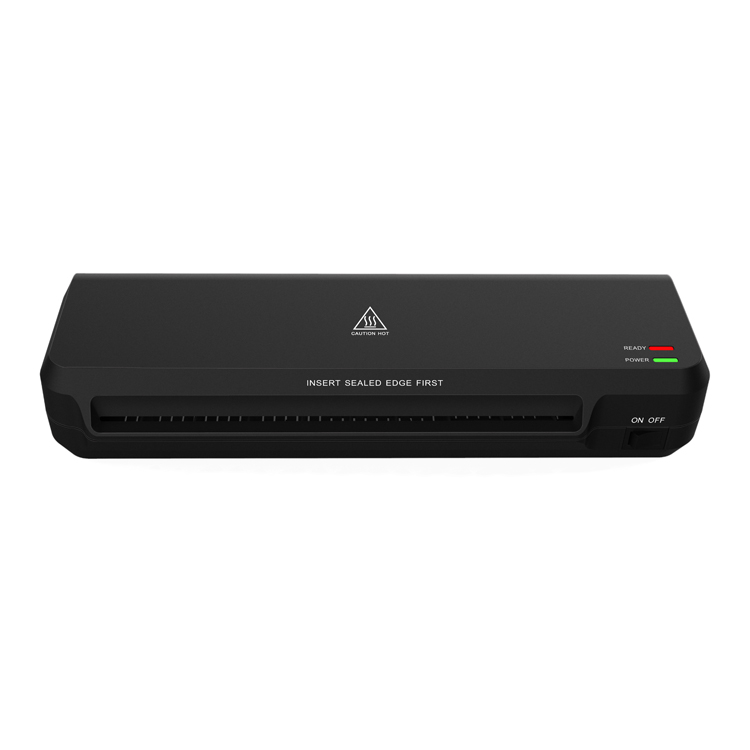
Laminating is supposed to provide a professional, sleek finish to your important documents, but nothing ruins a project faster than the appearance of unsightly air bubbles or silvering. If you’ve ever asked yourself, “Why is my thermal laminator bubbling?”, you are not alone.
1. The Temperature is Too High: The Science of Heat Management
One of the primary reasons for bubbling in a thermal lamination process is excessive heat. Thermal laminators work by using heat to melt an adhesive layer on the plastic pouch, which then bonds to the paper. However, like any chemical process, there is a “sweet spot” for temperature.
Why Excessive Heat Causes Blistering
When the rollers are too hot, the adhesive doesn’t just melt; it begins to “boil” or outgas. This chemical reaction creates tiny pockets of gas that become trapped between the film and the document. These often look like tiny “champagne bubbles” or a grainy texture on the surface.
How to Calibrate Your Heat Settings
- Check the Mil Thickness: Most professional laminators have settings for 3 mil, 5 mil, or 7 mil pouches. Always ensure your machine matches the pouch thickness.
- The Cool-Down Method: If you have been laminating for over an hour, the machine may suffer from “heat soak,” where the internal components become hotter than the sensor indicates. Turn the machine off for 15 minutes to reset the thermal equilibrium.
- Test Strips: Before laminating a final document, run a scrap piece of paper through to check for clarity.
2. Feeding the Pouch Incorrectly: The Importance of Alignment
The way you introduce the pouch to the laminator rollers significantly impacts the final result. Bubbles often form when air is trapped at the leading edge or when the pouch is fed at an angle.
The “Straight-In” Rule
Many users make the mistake of pushing the pouch too hard or letting it go while it’s crooked. This causes the rollers to grip the plastic unevenly, creating “waves” or elongated air pockets that run the length of the document.
Best Practices for Feeding
- Use the Sealed End First: Always insert the sealed edge of the lamination pouch into the machine first. Inserting the open end can cause the film to wrap around the rollers or trap a massive amount of air.
- Avoid Pushing: Once the rollers grab the pouch, let go. The machine is timed to a specific speed to allow air to be pushed out naturally.
- Support the Exit: Ensure there is enough space behind the machine. If the laminated document hits a wall or curls as it exits, it can cause the hot adhesive to shift, creating bubbles as it cools.
3. Mismatch Between Pouch Thickness and Machine Capability
Not all lamination pouches are created equal. Using a high-quality machine with low-quality pouches, or vice-versa, can lead to poor adhesion and bubbling.
Understanding Mil Thickness and Heat Transfer
The thickness of lamination film is measured in “mils” (one-thousandth of an inch). A thicker pouch requires more heat and a slower speed to reach the melting point of the adhesive. If you use a heavy 10-mil pouch on a machine designed for home-office 3-mil use, the heat won’t penetrate deeply enough, leading to “milky” spots which are essentially large unbonded areas that look like bubbles.
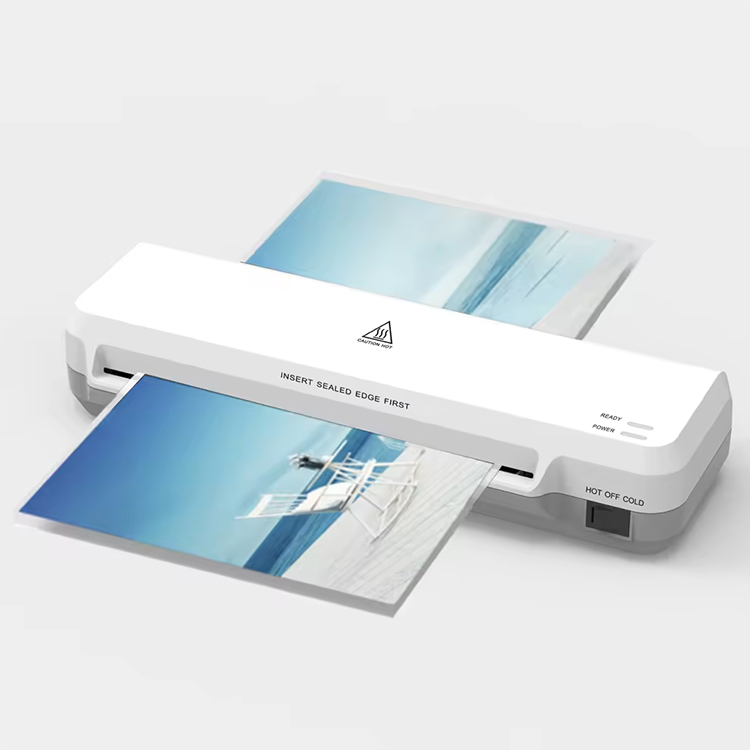
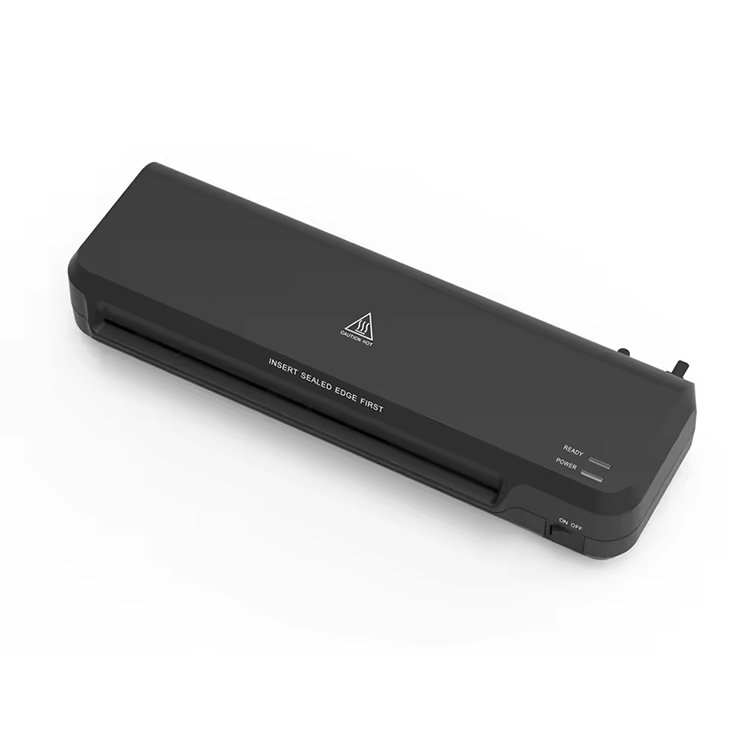
The Problem with “Universal” Settings
Many entry-level thermal laminators only have one or two settings. If your document is exceptionally thick (like cardstock), it will absorb the heat intended for the adhesive, causing the film to fail to bond properly.
| Document Type | Recommended Pouch | Setting | Result of Mismatch |
|---|---|---|---|
| Standard 20lb Paper | 3 Mil | Standard/Low | High heat causes “Boil” bubbles |
| Photos / Glossy Paper | 5 Mil | Medium/Photo | Low heat causes “Milky” patches |
| ID Cards / Cardstock | 7-10 Mil | High/Heavy | Insufficient heat leads to peeling |
4. Adhesive Buildup and Roller Maintenance
If you notice a recurring pattern of bubbles in the exact same spot on every document, the problem isn’t your settings—it’s your laminator rollers.
The “Squeeze-Out” Effect
As the rollers apply pressure to the hot pouch, a tiny amount of adhesive can squeeze out of the edges. Over months of use, this glue hardens on the silicone rollers, creating microscopic “bumps.” Every time a new document passes over these bumps, the roller loses contact with the film for a split second, trapping a bubble of air.
How to Clean Your Rollers
- Cleaning Sheets: Most manufacturers recommend running a “cleaning sheet” or “carrier” through the machine at the end of every session.
- The Cardstock Trick: If you don’t have official cleaning sheets, run a clean, uncoated piece of white cardstock through the machine while it is still hot. The cardstock will “scrub” the rollers and pick up residual glue.
- Manual Cleaning: For professional machines, wait for the unit to be warm (not hot) and gently wipe the rollers with a lint-free cloth and a tiny amount of Isopropyl Alcohol (check your manual first).
5. Ink and Paper Moisture: The Hidden Enemy
Sometimes the bubbles aren’t caused by the machine or the pouch, but by the document itself. This is especially common in high-humidity environments or when using inkjet printers.
The Outgassing of Inkjet Prints
Inkjet ink is water-based. When you run a fresh inkjet print through a thermal laminator, the 200°F+ heat instantly turns the moisture in the ink into steam. Since the plastic pouch is airtight, that steam has nowhere to go and forms a “steam bubble” over the printed area.
Paper Moisture Content
Paper is hygroscopic, meaning it absorbs moisture from the air. If you are laminating in a humid office, your paper may be “wet” on a molecular level.
- The Fix: Let your prints dry for at least 30-60 minutes before laminating. If you suspect the paper is damp, run it through the laminator without a pouch first to “pre-dry” the sheet before the actual lamination process.
Frequently Asked Questions (FAQ)
Q1: Can I get rid of bubbles after the document has cooled?
Unfortunately, once the adhesive has set and cooled, bubbles are permanent. Some people attempt to “pop” them with a needle and re-run them, but this usually results in a visible scar on the plastic and potential damage to your rollers.
Q2: Why does my lamination look cloudy or milky?
Cloudiness is usually the opposite of bubbling—it means the temperature was too low. The adhesive hasn’t fully melted to become transparent. Try running the document through a second time or increasing the heat.
Q3: Is it safe to use a carrier folder?
Yes! A carrier folder helps distribute heat evenly and protects your rollers from adhesive buildup. If you are experiencing minor bubbling, using a carrier can often act as a buffer to stabilize the temperature.
References & Further Reading
- The Professional’s Guide to Thermal Lamination, Industry Standards for Document Preservation (2024).
- Adhesive Chemistry in Polymeric Films, Journal of Applied Polymer Science.
- Technical Manual for Office Laminating Systems, Global Office Equipment Manufacturer Association (GOEMA).


-
 Kaifat Group, No.599, Qiming Road, Yinzhou Incubation, Ningbo, China
-
 +86-574-55665196
-
 [email protected]
