
 English
 русский
 Español
 Deutsch
 عربى
عربى
 0
0

What Are the Common Problems with Thermal Laminators and How Can You Fix Them?
Content
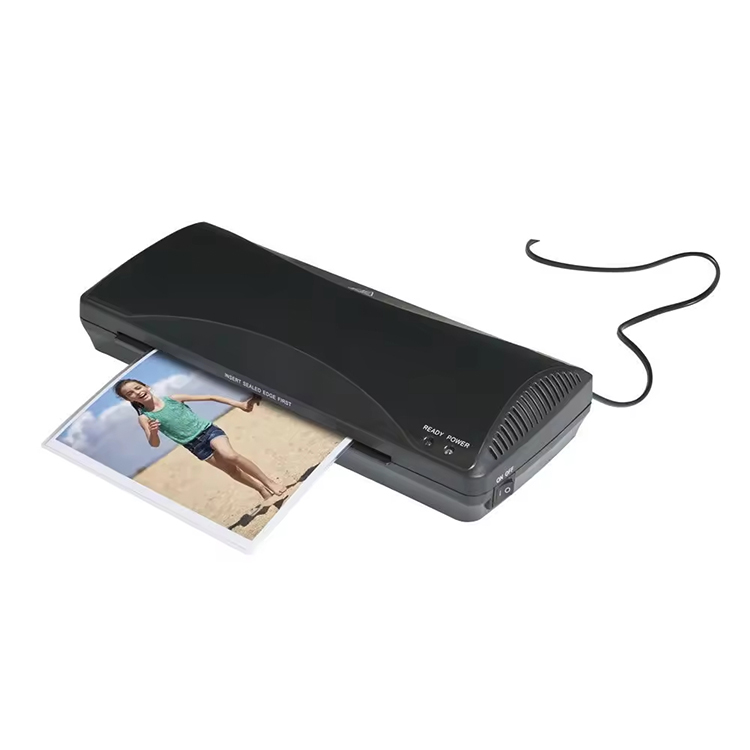
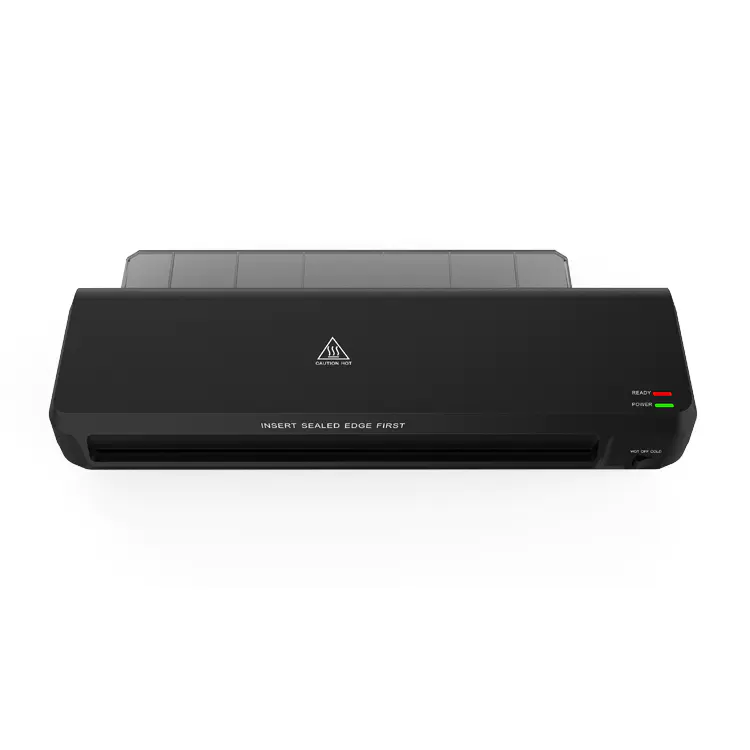
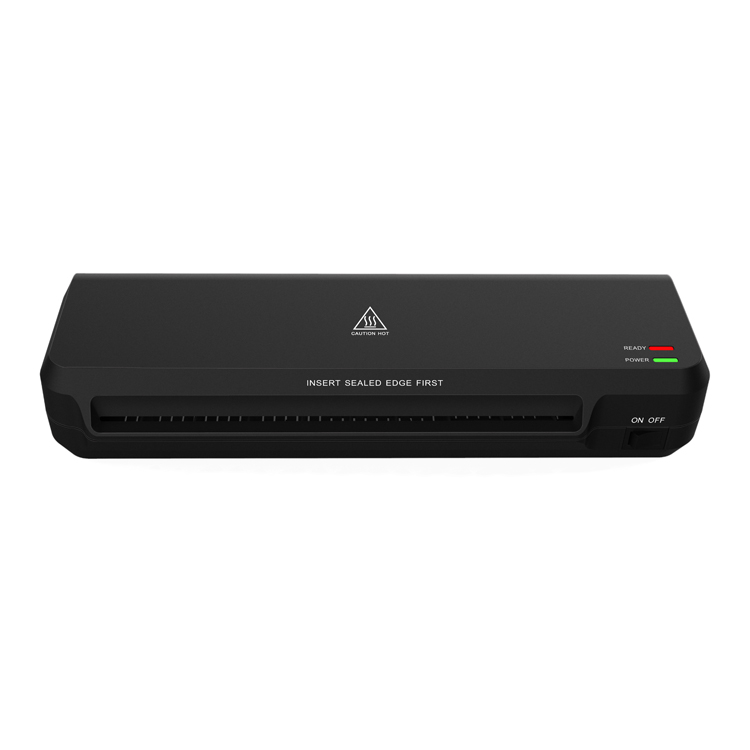
Thermal laminators are essential tools for protecting and preserving documents, photos, and other important materials. They work by applying heat to laminate sheets, creating a sealed, protective coating around the items. While these machines are relatively straightforward to use, they can occasionally face some issues.
1. Paper Jams
Paper jams are one of the most common problems encountered when using a thermal laminator. These jams often occur when the laminated item is fed incorrectly, when the machine is overloaded, or when the laminating pouch is too thick.
Causes:
- Incorrect feeding of the paper or laminate pouch into the machine.
- Overfilling the laminating pouch, causing it to be too tight.
- Using pouches that are too thick for your machine’s capacity.
- Dust or debris inside the machine.
How to Fix:
- Check the Instructions: Always ensure you’re following the machine’s specific guidelines for pouch thickness and document size.
- Clean the Rollers: Regularly clean the rollers inside your laminator. A build-up of dust, paper fibers, or adhesive can cause jams. You can use a soft cloth or specialized roller cleaning sheets.
- Slow Down: If your laminator has speed settings, use a slower speed when laminating to avoid jams.
- Remove the Jammed Paper Carefully: If a jam occurs, gently remove the document or pouch. Turn off the laminator, wait for it to cool down, and carefully pull the paper from the rollers. Do not force it, as this can damage the machine.
2. Inconsistent Laminating Results
Sometimes, you might notice that the laminate job isn’t as smooth or clear as you expected. There could be bubbles, wrinkles, or uneven edges.
Causes:
- The machine may not be heated to the correct temperature.
- Incorrect pouch thickness or mismatched material.
- Running the material through the laminator too quickly.
- Uneven feeding of the pouch or document.
How to Fix:
- Ensure Proper Warm-up: Always allow the laminator to fully heat up before starting. Some laminators have an indicator light that tells you when the machine is ready to go.
- Check Pouch Compatibility: Ensure you’re using the right size and thickness of pouch for your machine. Most thermal laminators have a recommended pouch range.
- Feed the Material Slowly and Evenly: To avoid wrinkles or bubbles, feed your document through the laminator slowly and evenly. Ensure the pouch is properly aligned and flat.
- Wait for the Laminator to Reach Full Temperature: If the laminator is not fully heated, the result will often be uneven laminating.
3. Overheating
Another issue that can occur with thermal laminators is overheating. This can lead to the machine shutting off or producing poor results.
Causes:
- Continuous use without giving the machine time to cool down.
- Laminating too many documents in a short period.
- Poor ventilation around the laminator.
How to Fix:
- Allow Cooling Time: Most laminators require a brief cooling period after every few laminations. If you’re laminating a large batch, take a short break between each session to allow the machine to cool down.
- Proper Ventilation: Ensure the laminator is placed in a well-ventilated area to avoid overheating. Avoid blocking air vents or placing the machine near heat sources.
- Turn Off When Not in Use: Always turn off your laminator when you’re finished using it. This helps prevent the machine from overheating and prolongs its lifespan.
4. Laminator Won’t Turn On
If your laminator isn’t turning on, it could be due to several different reasons, ranging from electrical issues to internal malfunctions.
Causes:
- A faulty power supply or cord.
- A blown fuse or electrical issue inside the machine.
- The laminator is not plugged in properly.
How to Fix:
- Check the Power Source: Ensure the machine is properly plugged into a functioning outlet. If possible, test with a different outlet to confirm the issue isn’t with the power source.
- Inspect the Power Cord: Look for any visible damage to the power cord. If it appears frayed or broken, the cord might need to be replaced.
- Reset the Laminator: Some laminators have a reset function. Turn off the laminator, unplug it, wait a few minutes, and then plug it back in. This can sometimes resolve minor internal issues.
- Check for Fuse Issues: If your laminator has an internal fuse, it may need to be replaced if it has blown. Consult the manufacturer’s manual for instructions on how to check or replace a fuse.
5. Uneven Lamination (One Side Not Laminating)
If you notice that only one side of your document is being laminated, it could indicate a problem with the rollers or the heating element inside the machine.
Causes:
- Dirty or damaged rollers.
- The heating element is malfunctioning.
- Uneven pressure from the rollers.
How to Fix:
- Clean the Rollers: Dust or adhesive buildup on the rollers can prevent them from applying even pressure, leading to uneven lamination. Use a damp cloth to clean the rollers carefully.
- Check the Rollers for Damage: If the rollers are damaged or worn out, they may need to be replaced. Some laminators offer replacement parts for this purpose.
- Test with a Simple Document: Run a simple, single sheet through the laminator to see if the problem persists. If it does, the issue could be with the heating element or rollers, and you may need professional repair.
6. Laminated Document is Warped
Warped documents can occur when the laminating process is too hot or too fast.
Causes:
- Overheating of the laminator.
- Using a laminate pouch that’s too thin for the type of paper.
- Feeding documents too quickly through the machine.
How to Fix:
- Adjust Temperature Settings: If your laminator allows for temperature adjustments, try lowering the heat setting slightly to avoid warping.
- Use Appropriate Pouch Thickness: Use a thicker laminate pouch if you’re laminating a heavier or more delicate material. Always check the manufacturer’s guidelines for recommended pouch types.
- Feed Slowly and Evenly: To avoid warping, ensure the document is fed through the laminator slowly and evenly. If possible, laminate at a lower speed if your machine offers that option.
Frequently Asked Questions (FAQ)
1. How often should I clean my thermal laminator?
It’s recommended to clean your laminator regularly, especially the rollers. Depending on usage, cleaning once every few months should suffice. If you notice a buildup of paper debris or adhesive, clean it more frequently.
2. Can I laminate photos with a thermal laminator?
Yes, you can laminate photos with a thermal laminator, but make sure to use a laminate pouch that’s suitable for photos. Also, avoid overheating, as photos can warp or get damaged in high heat.
3. What should I do if my thermal laminator gets too hot?
If your laminator is overheating, turn it off and let it cool down for a while. Avoid using it continuously for long periods without breaks. Ensure it’s in a well-ventilated space to prevent overheating.
4. Can I use a thermal laminator for larger documents?
Yes, many thermal laminators offer large-format pouches for documents bigger than standard letter size. Be sure to check the maximum size your laminator can handle before attempting to laminate larger items.



-
 Kaifat Group, No.599, Qiming Road, Yinzhou Incubation, Ningbo, China
-
 +86-574-55665196
-
 [email protected]
